Calendar, tasks and AI meeting notes in one app
Google Calendar, Outlook and iCloud in one calendar app for Mac and Windows
Two calendars and a day of calls? Join each call from your menu bar, add a meeting by typing it, and get the notes after it ends.
Join 1,400+ people. Free plan, no card needed.

500+people have connected calendar0 to Claude · November 2026
Listed in Claude’s connector directoryYour day today
Two calendars, a day of calls, and notes nobody took
It’s 2:58, and the join link is in an email from last week.
Join from the menu barYour work calendar booked a call over the dentist it never knew about.
Every calendar in one weekThe call ended, and nobody wrote down who does what.
Notes and next steps after each call
Here’s the same day in calendar0, starting at the top of your screen.
Menu bar calendar for Mac and Windows
Your next meeting sits in your menu bar. Join in one click.
Record the call from the same panel. On Windows, it lives in the tray.
Your day, one click from any app
The next meeting, its Join button and Record, above every window.
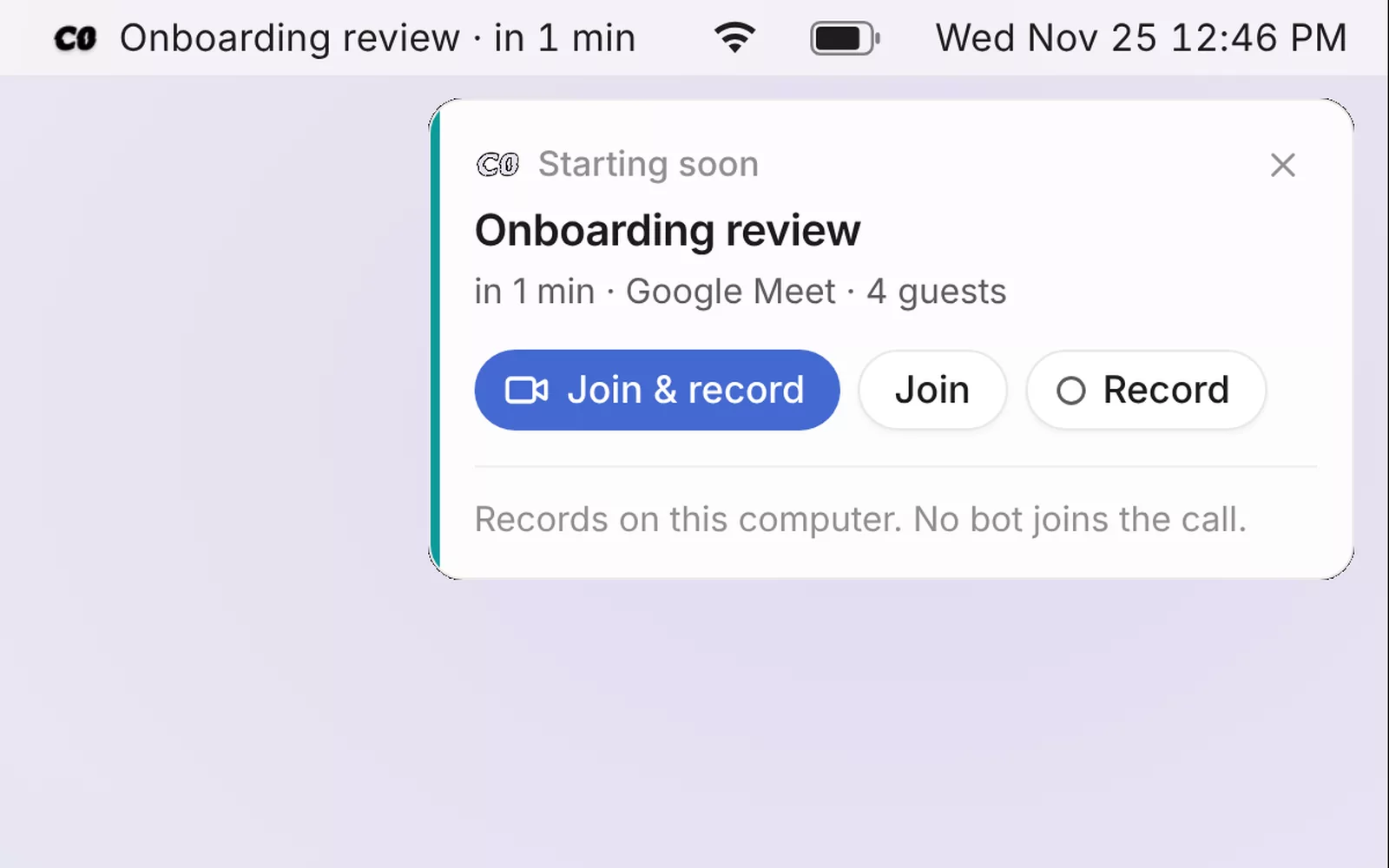
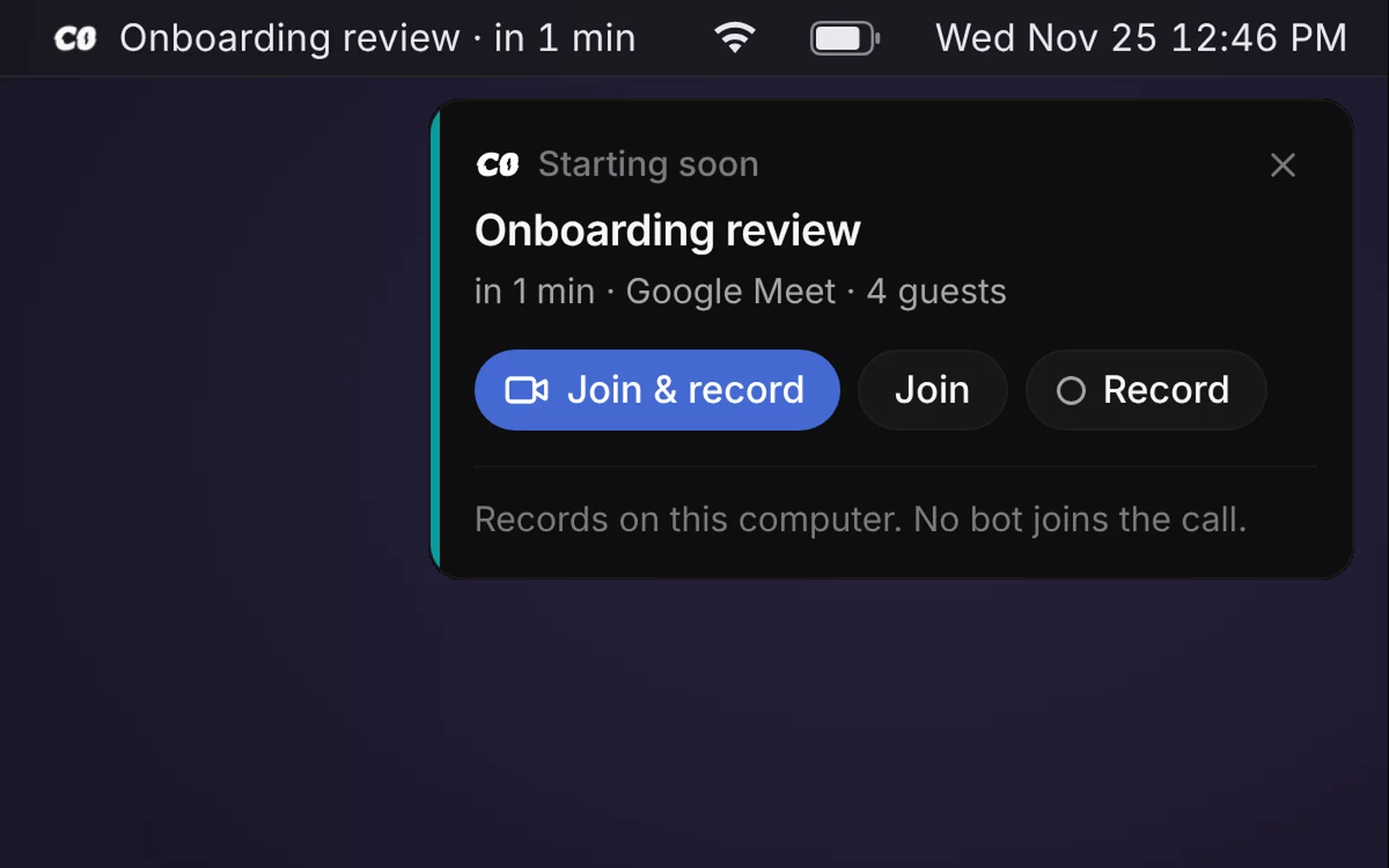
A heads-up before each call
Join right from the reminder.
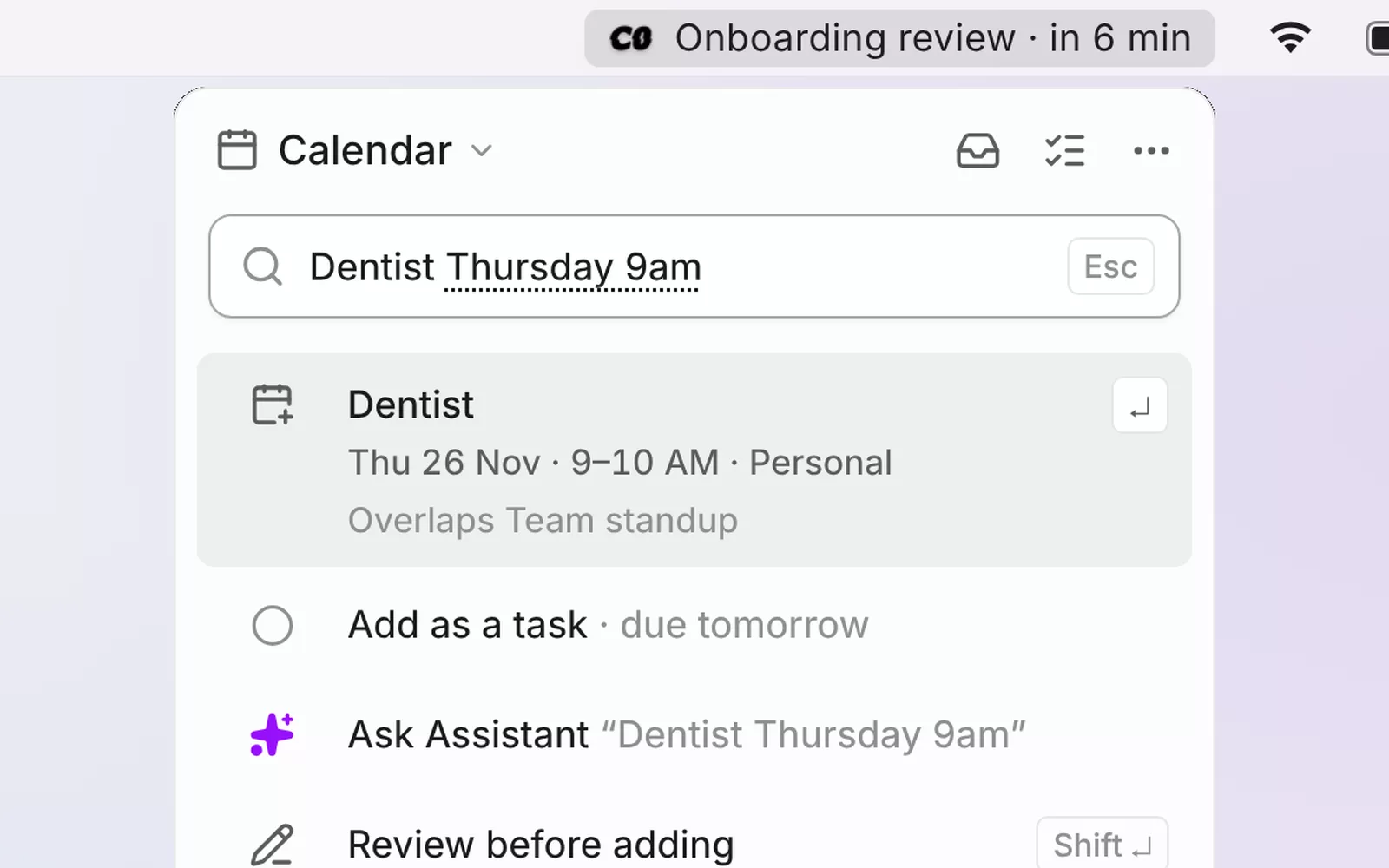
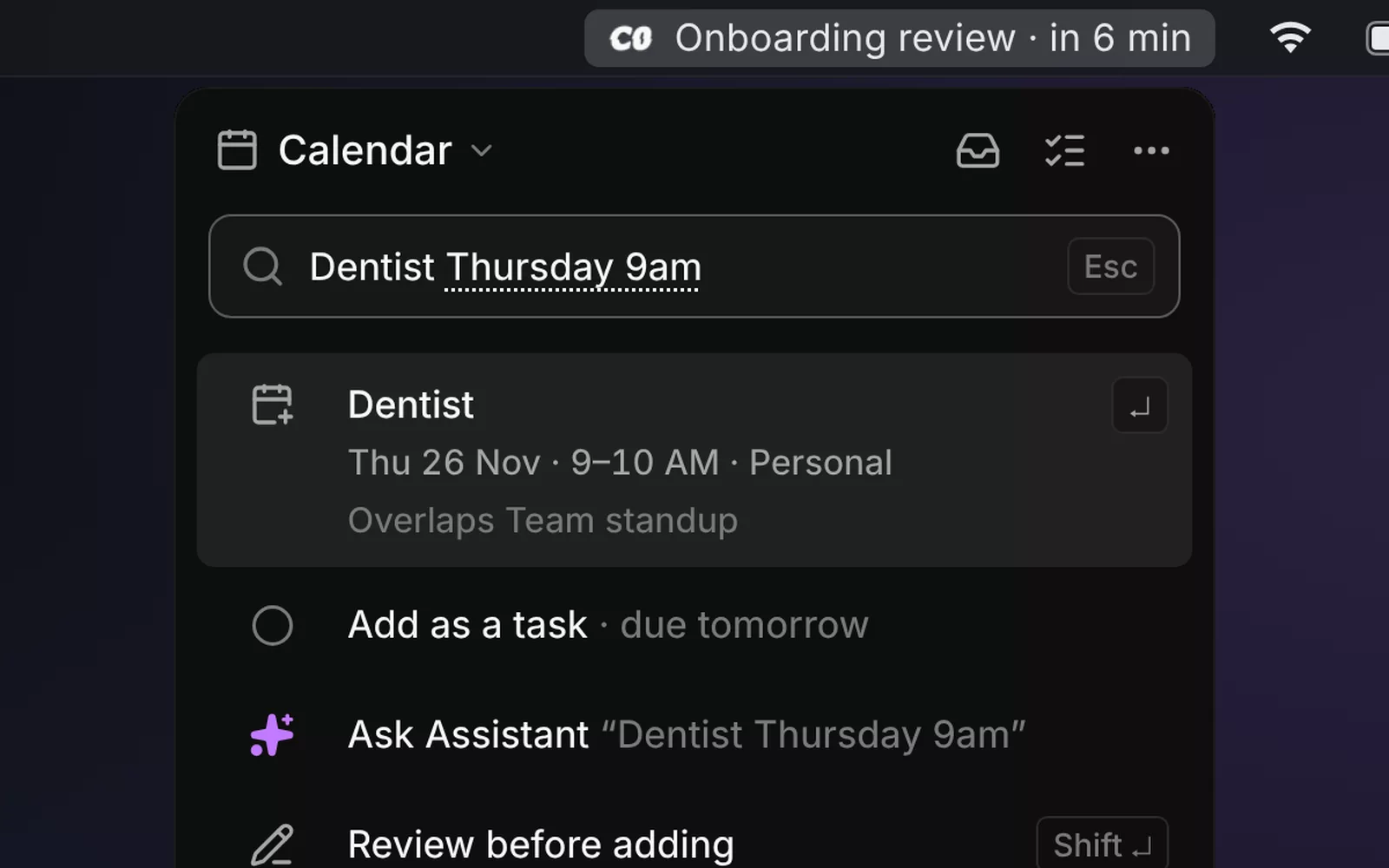
Add a meeting from the panel
Type it in a line, without leaving what you’re doing.
Calendar app for Mac and Windows
Type a meeting the way you’d say it. It lands in your whole week.
Google, Outlook and iCloud side by side, so you see the dentist before you book over it.
One line, not six fields
“Dentist Thursday 9am” lands on Thursday at 9. You see what it read before you press Enter.
Every calendar in one week
Work and personal, each in its own colour.
One link, or a poll
People pick a time you’re free, or tick the times they can make.
AI note taker
Record the call. Get the notes and the next steps.
No bot joins the call. You record it from the desktop app.
AI notes and next steps
What was decided and who does what, soon after the call.
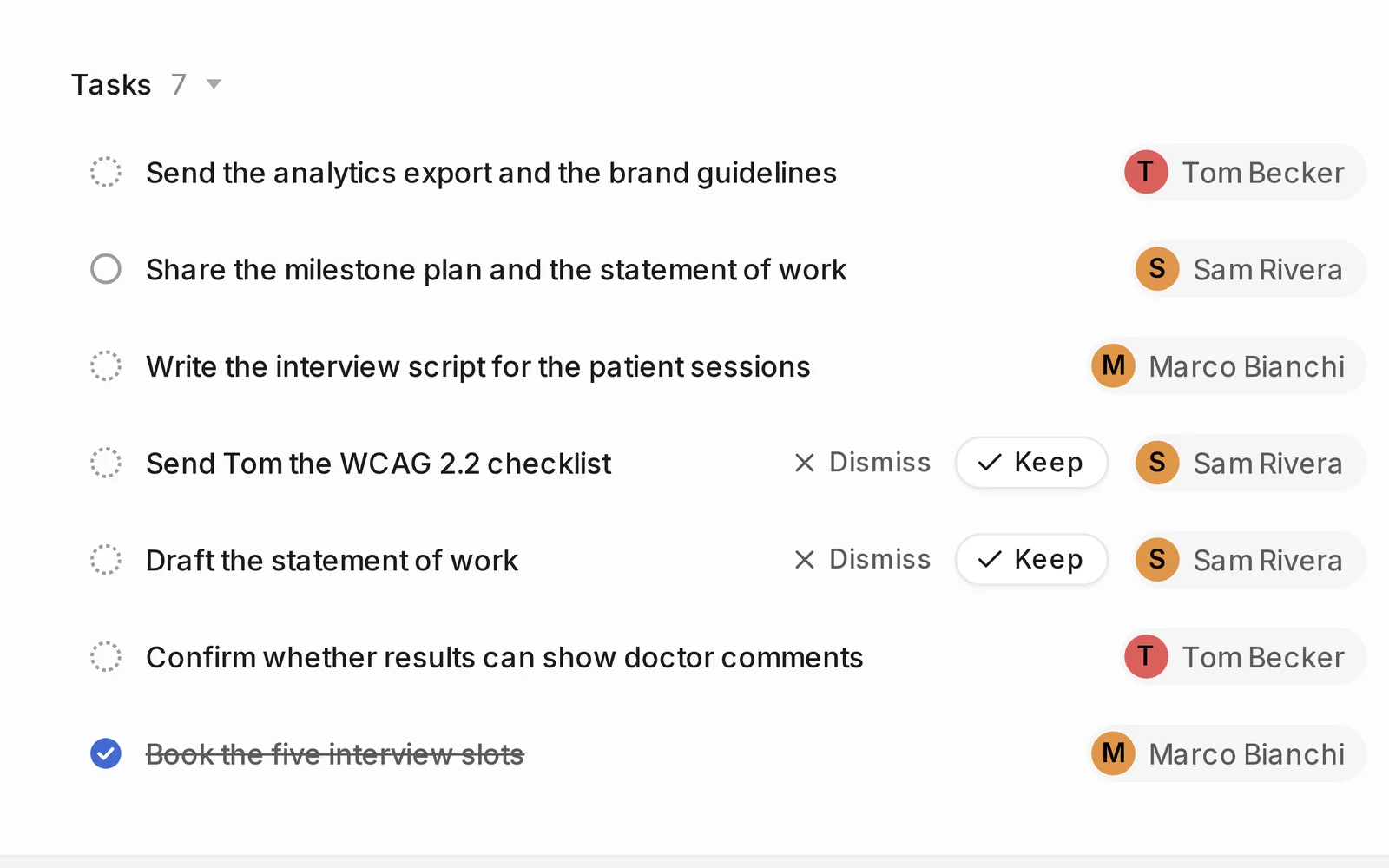
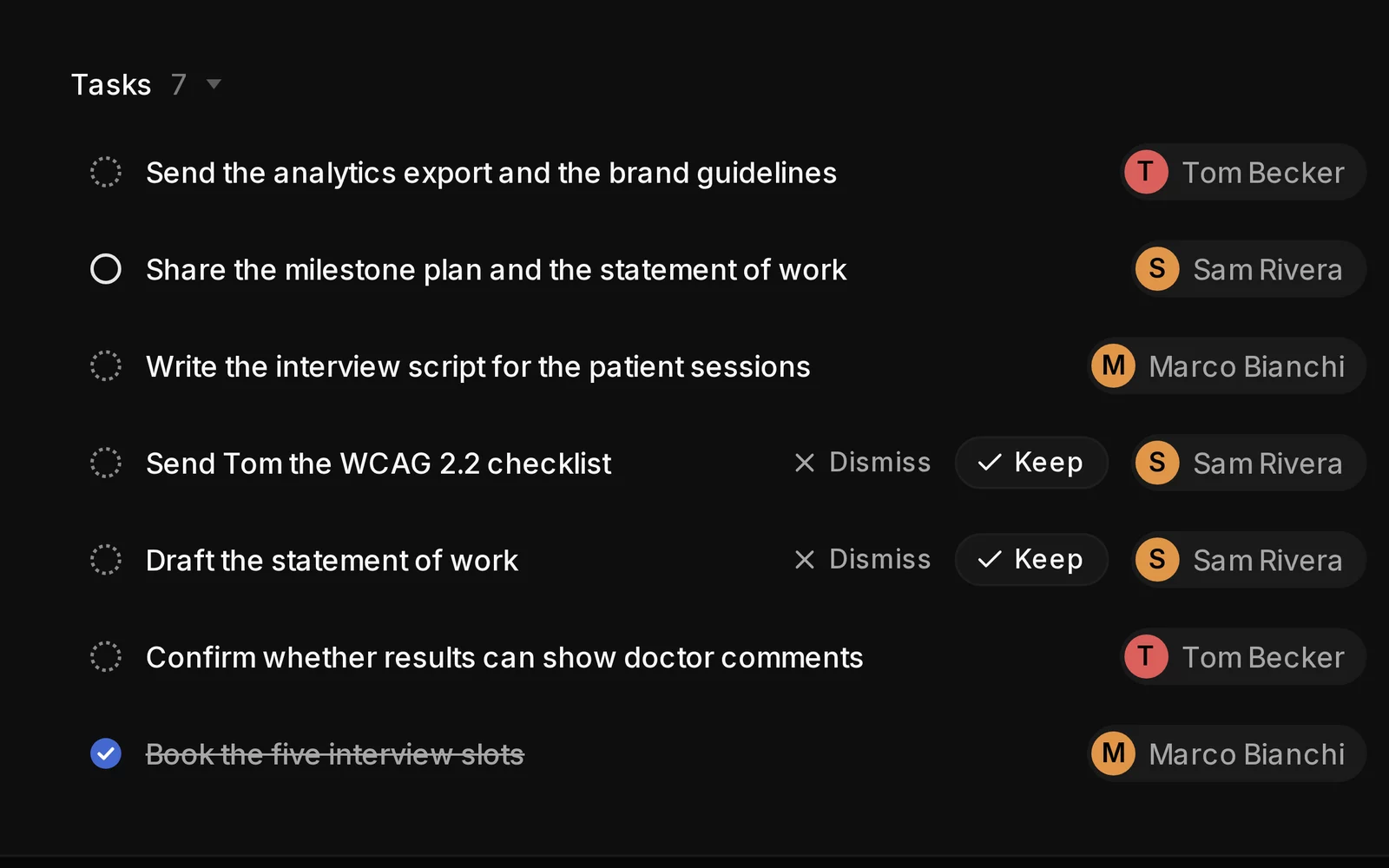
Next steps become tasks
Keep the ones that are yours. They go straight to your list.
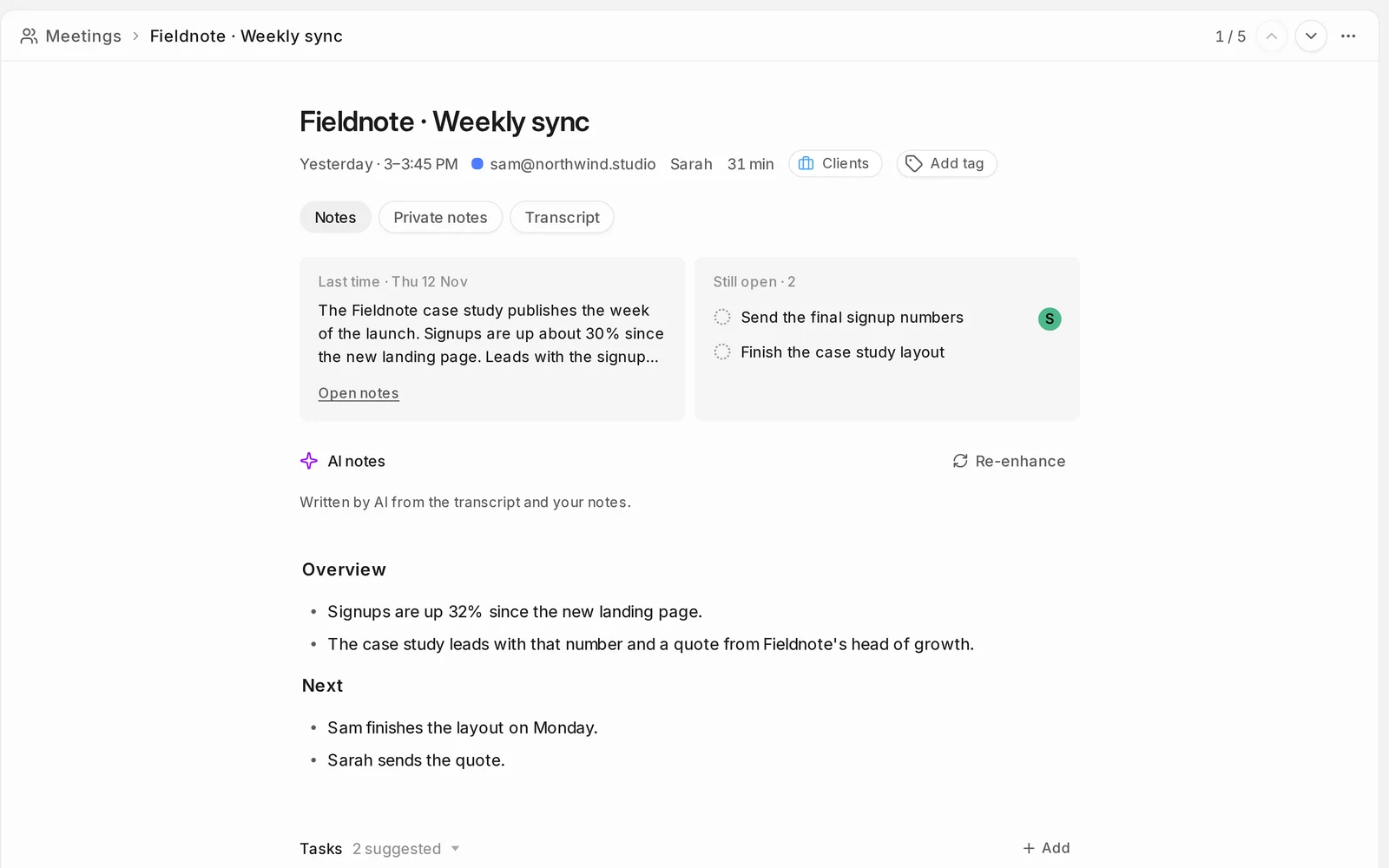
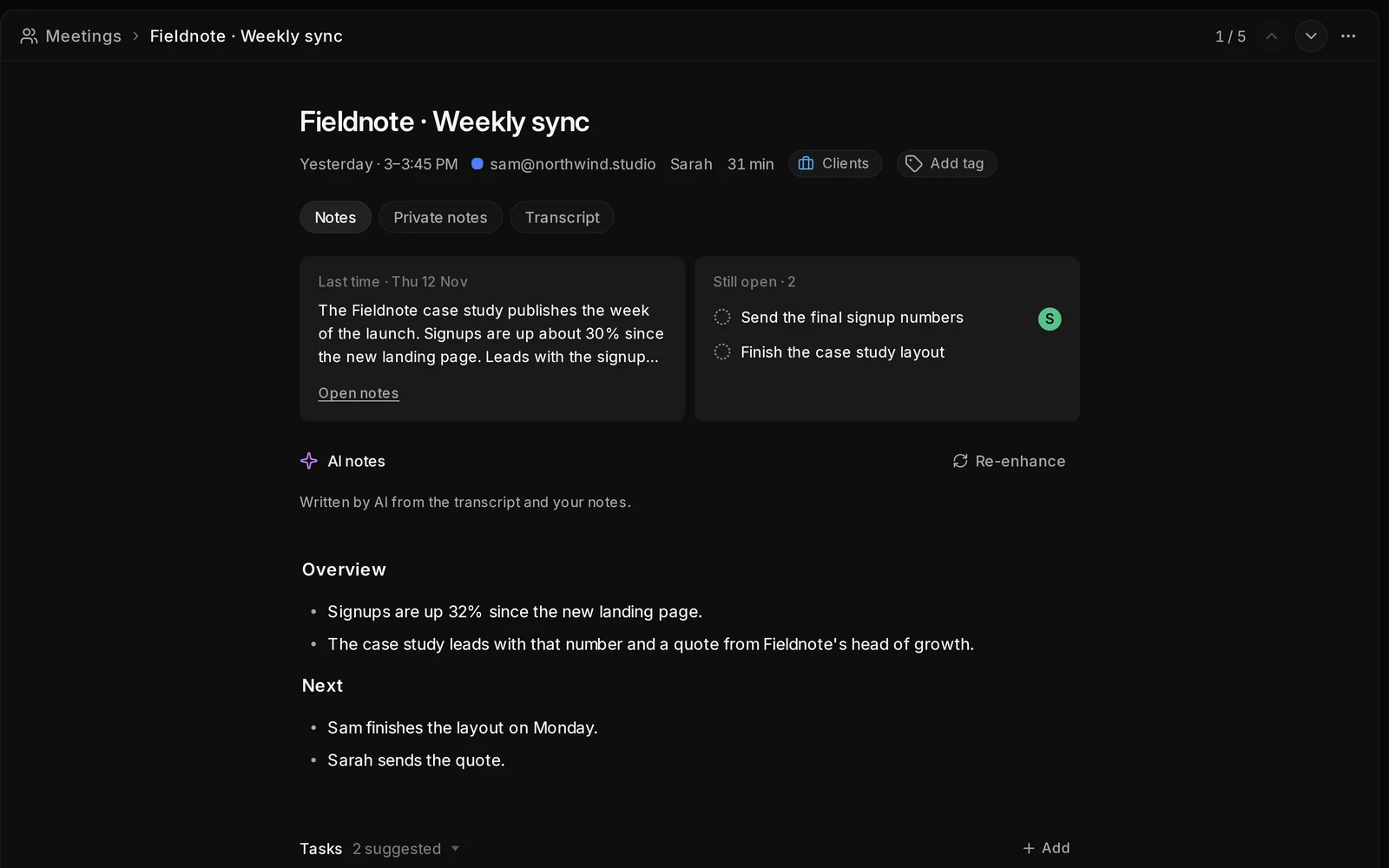
A recap before the next
Last time’s notes and the tasks still open.
Tasks and time blocking
Give each next step an hour on your calendar
Drag a task onto a free hour, or press S for the first free gap.
Drag a task onto the week
Drop it on an hour for a block, or on a day for a due date.
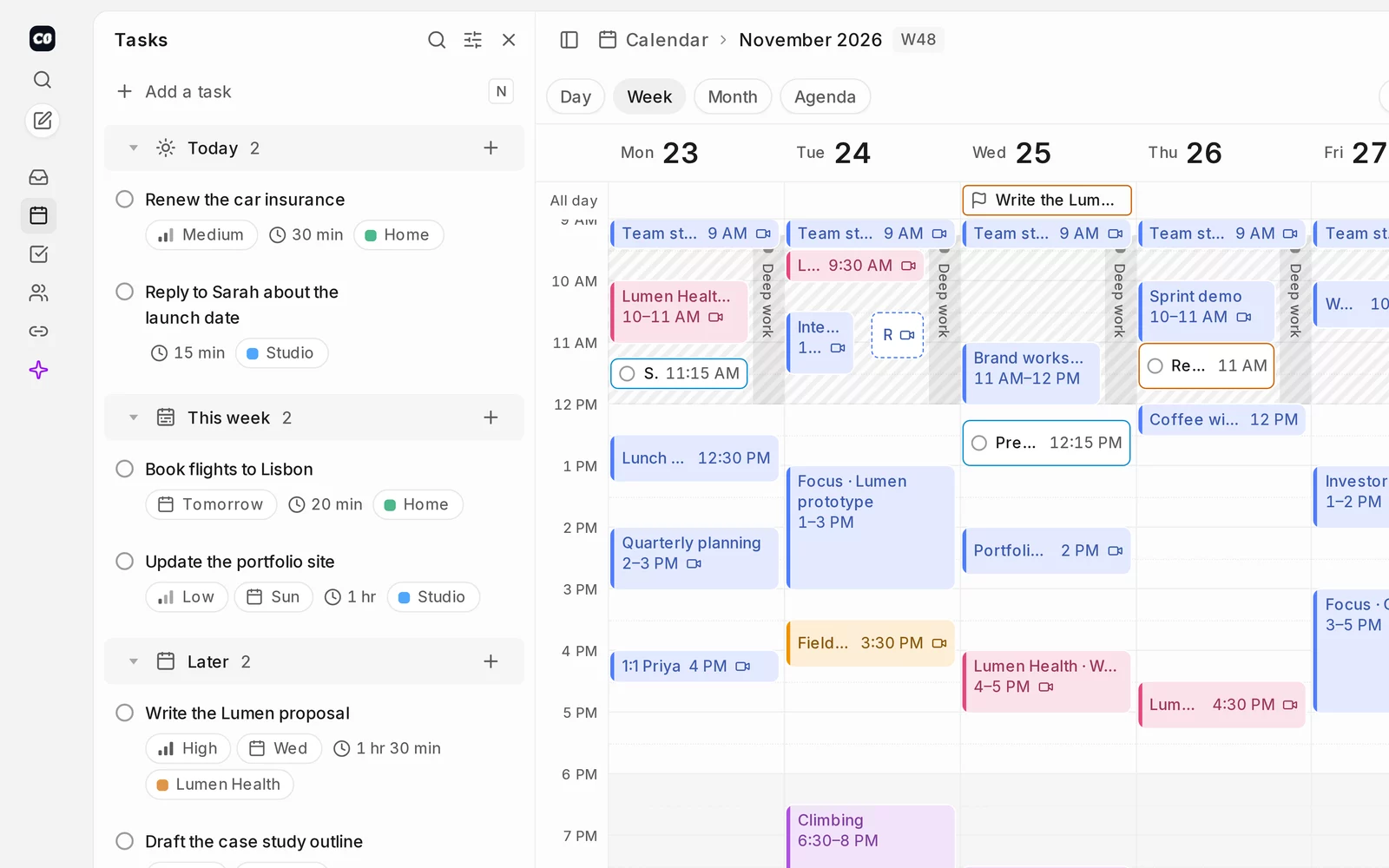
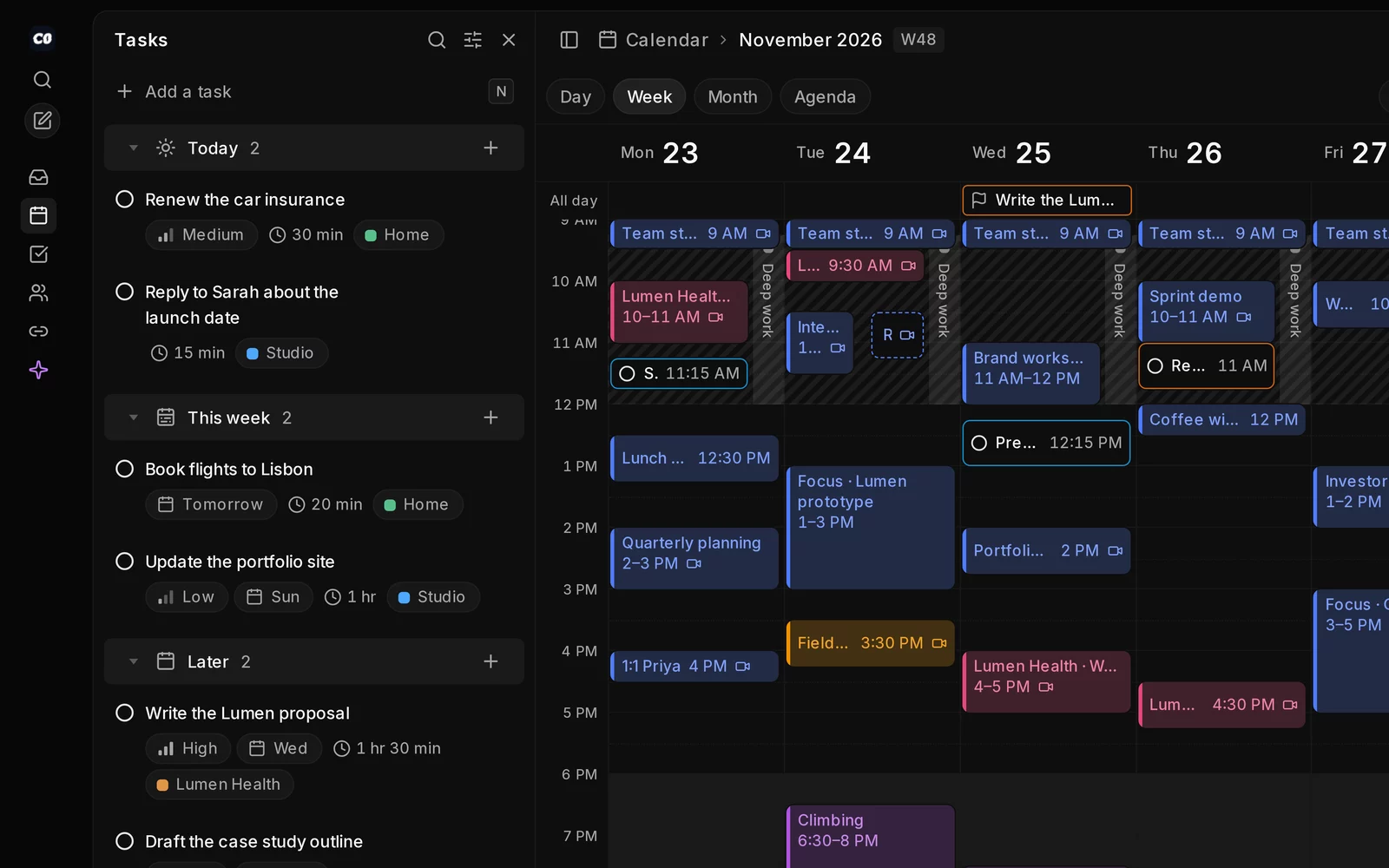
Or press S
Pick Today, and it takes the first hour you’re free.
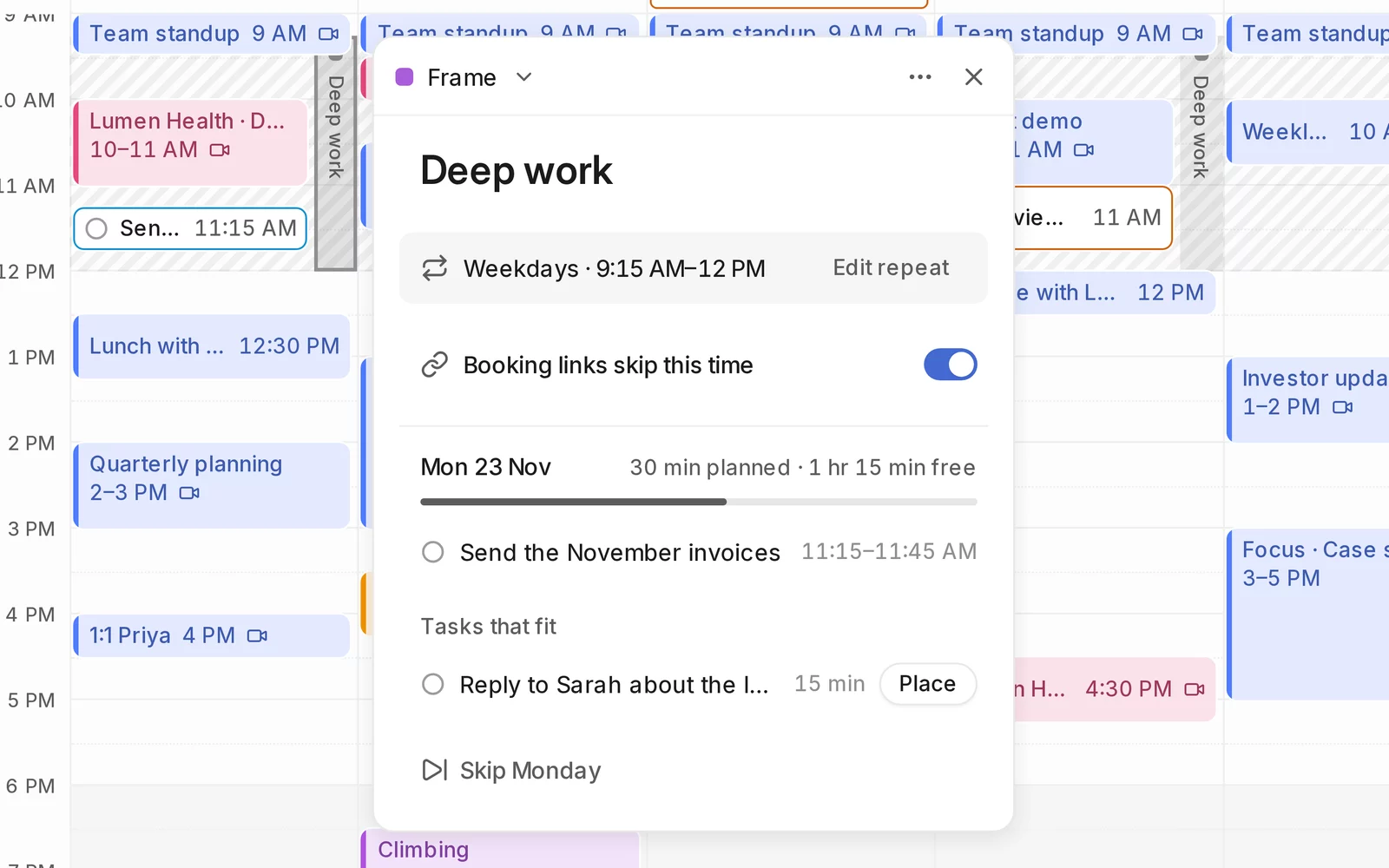
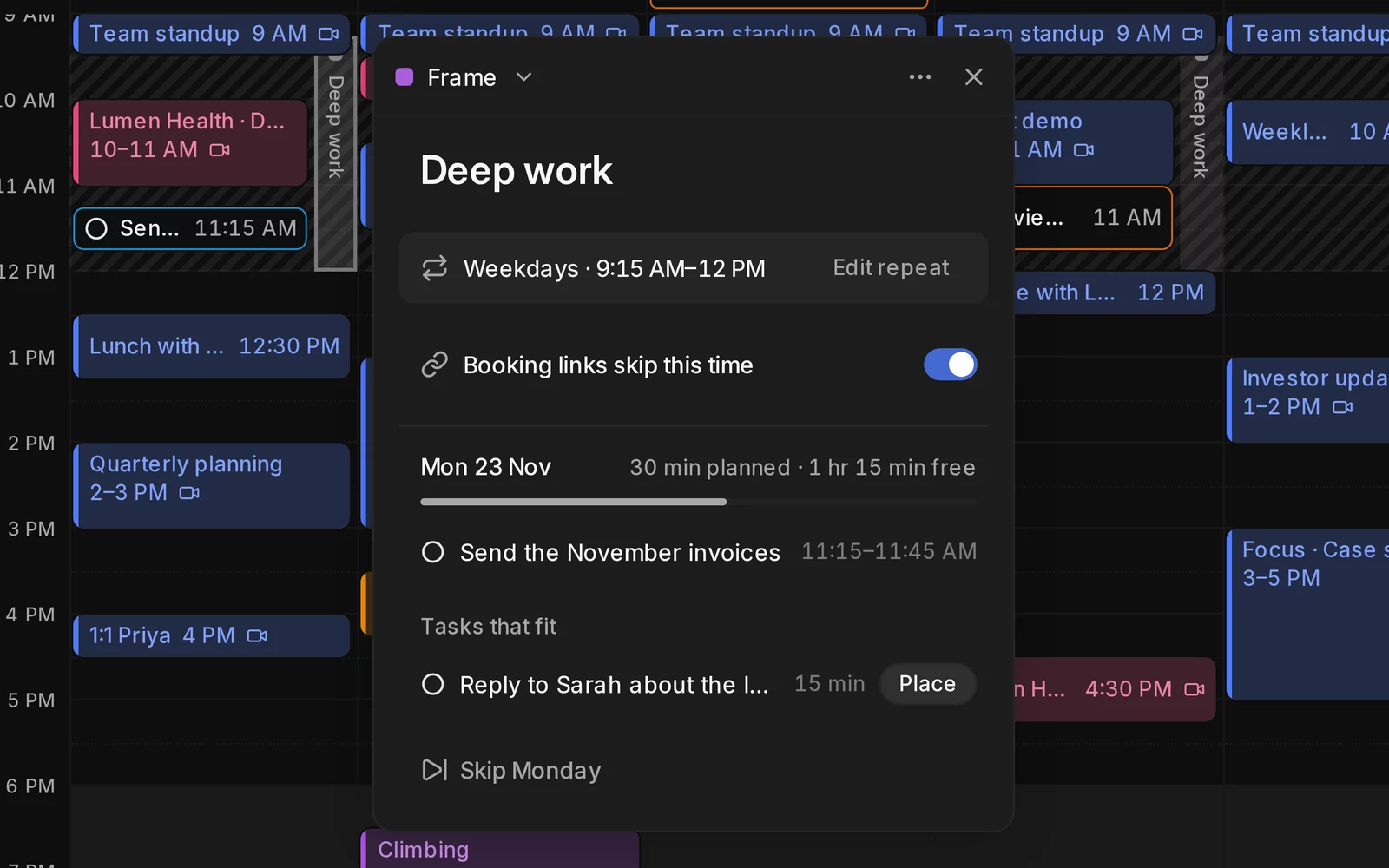
Mornings kept for deep work
The same hours every weekday, held for focus.
AI calendar assistant
Ask for a time in plain words
In calendar0, or from Claude and ChatGPT where you already work.
The assistant beside your week
“Find 30 minutes with Lena and Marco.”
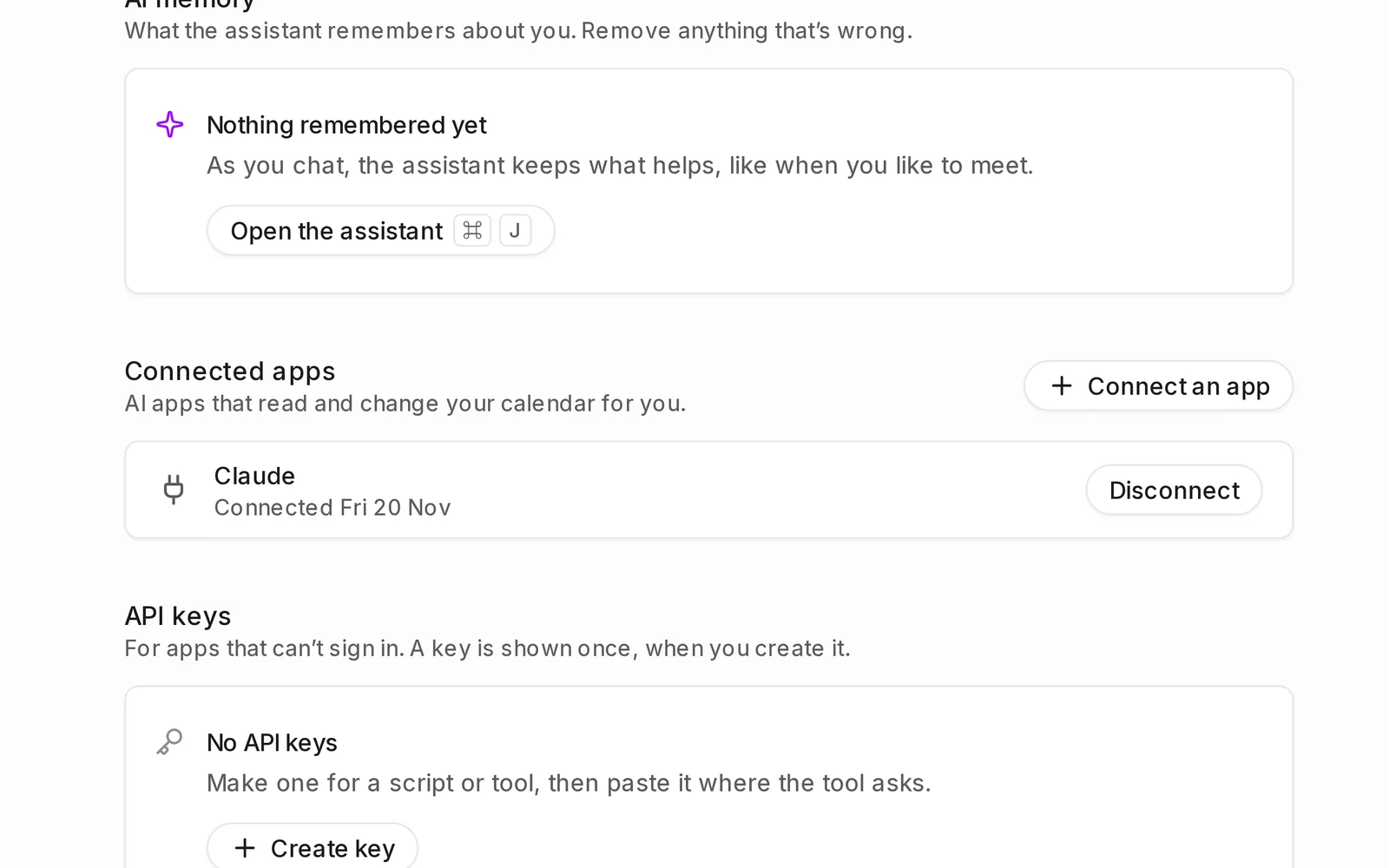
In Claude and ChatGPT
Ask about your week without opening calendar0.
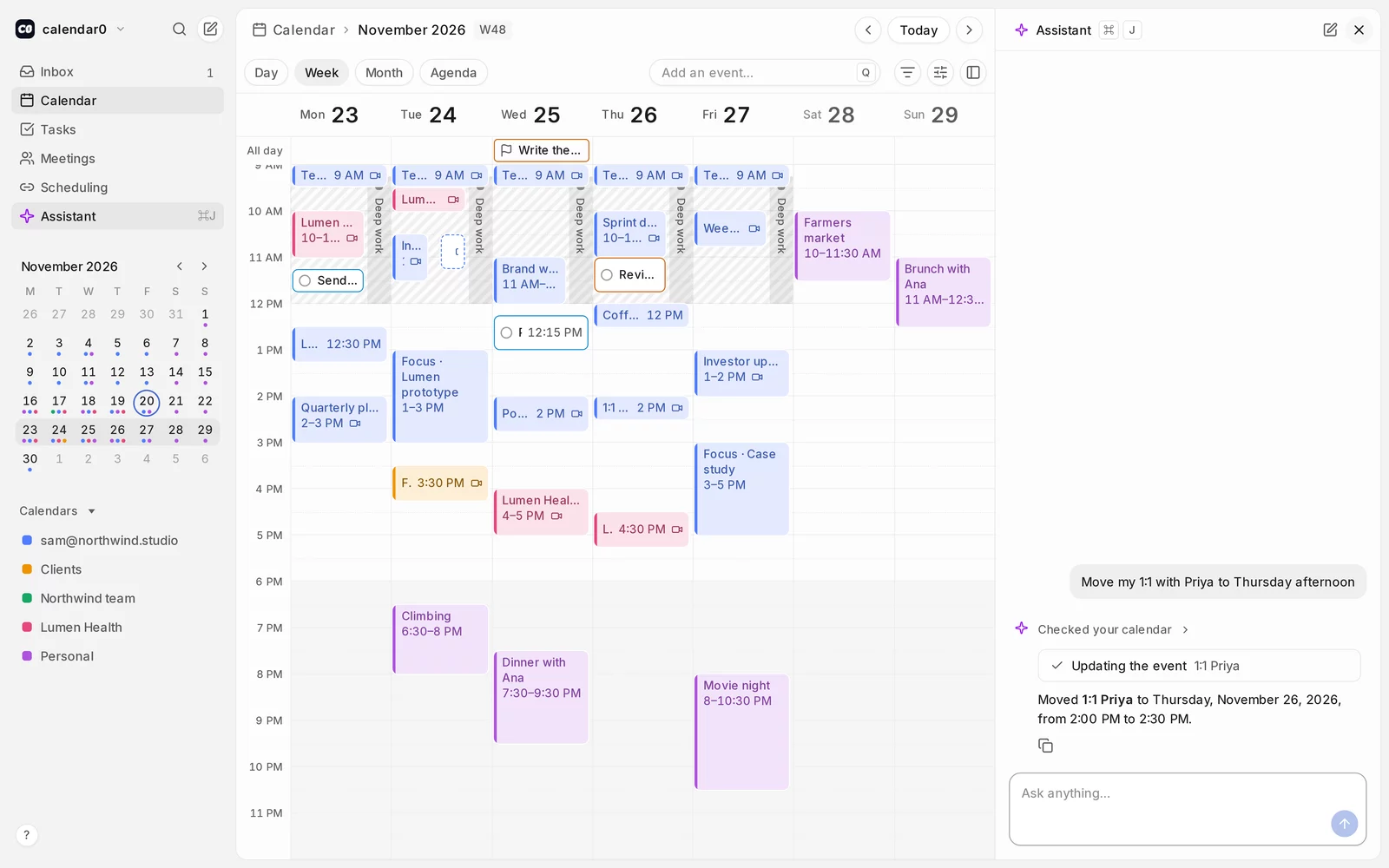
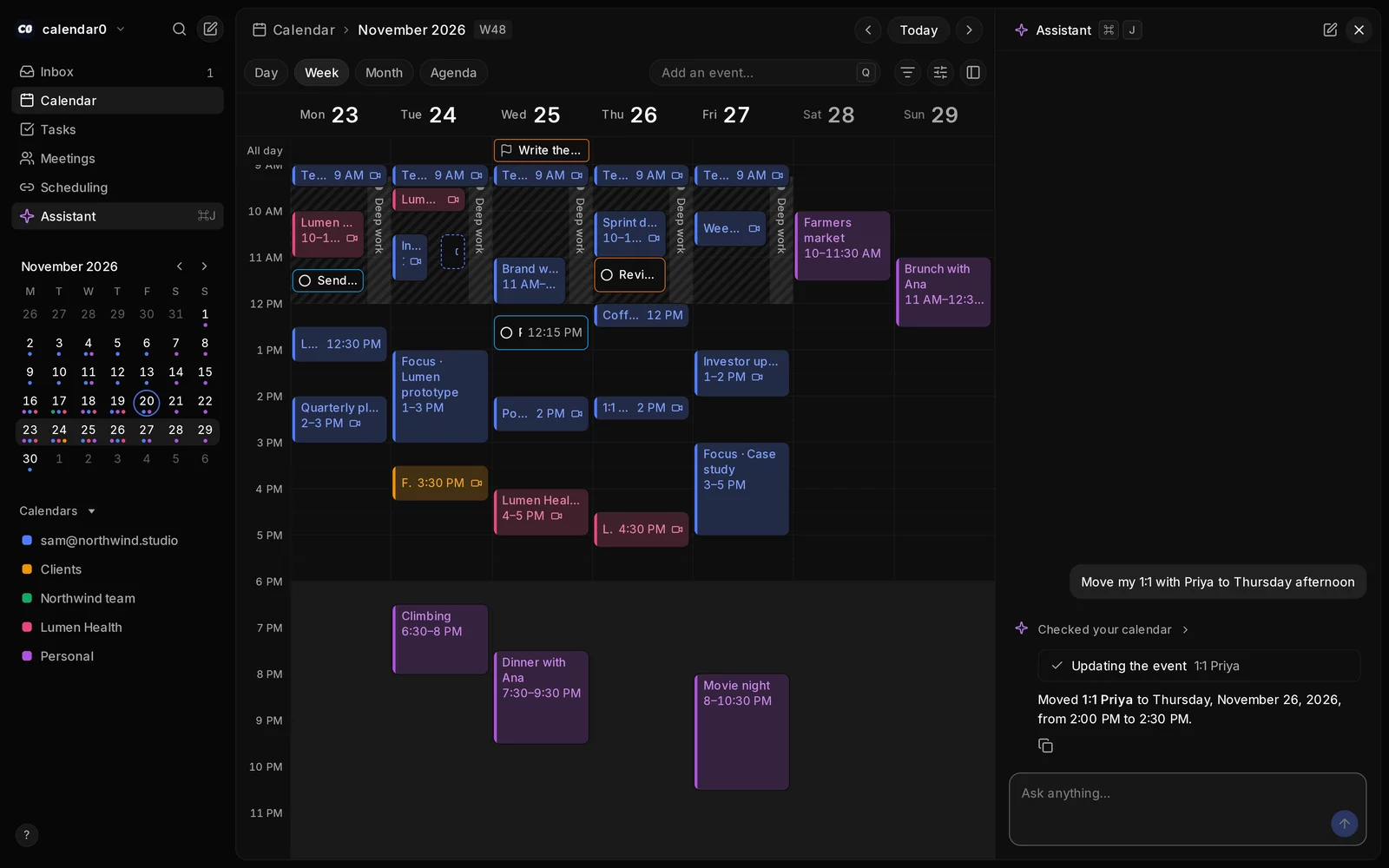
It says what changed
Every change is a normal event in your calendar.
Desktop app, web and phone
On your Mac, your PC, your phone and in any browser
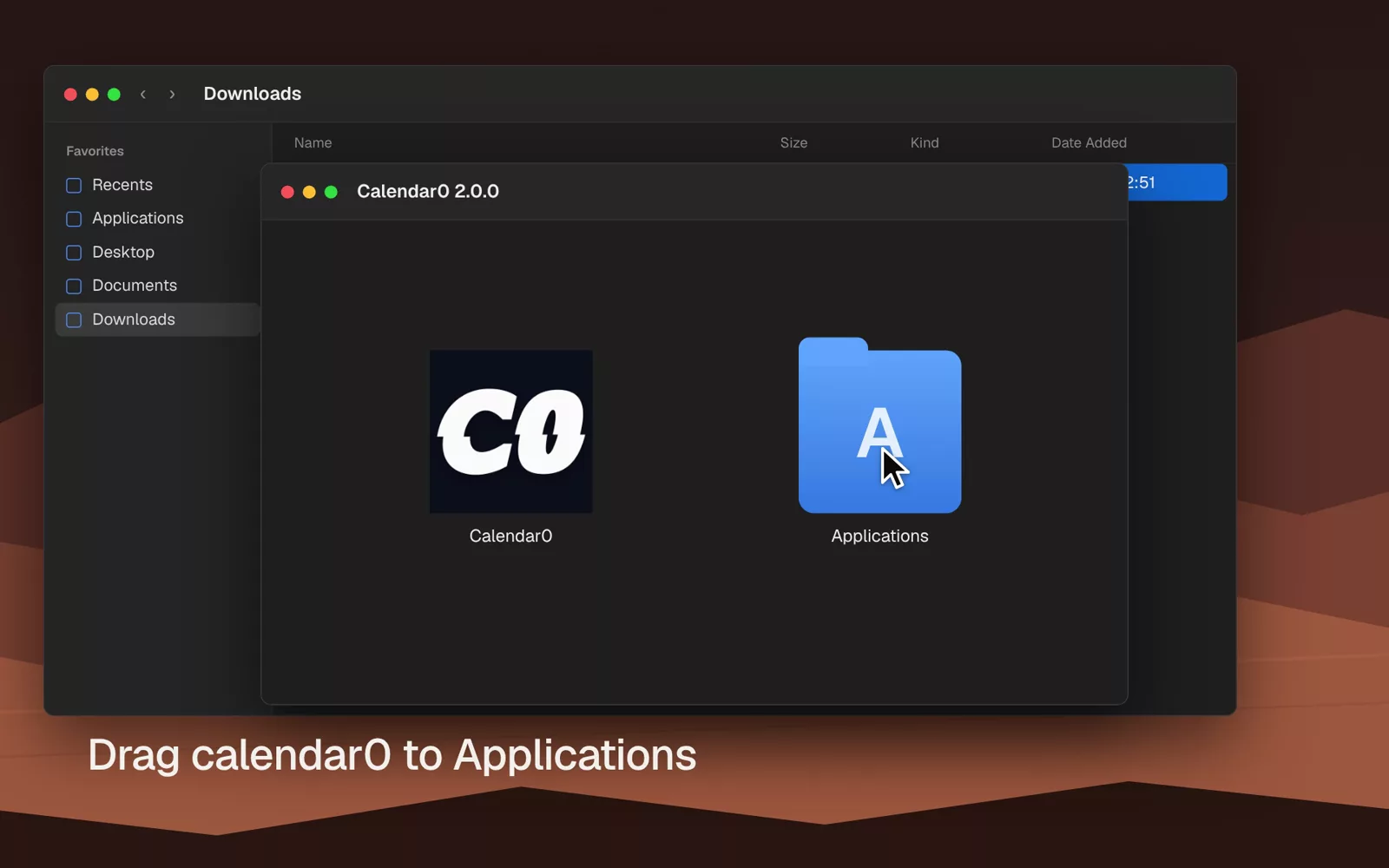
Desktop app for Mac, Windows and Linux
The menu bar or tray app, and your whole week in a window.
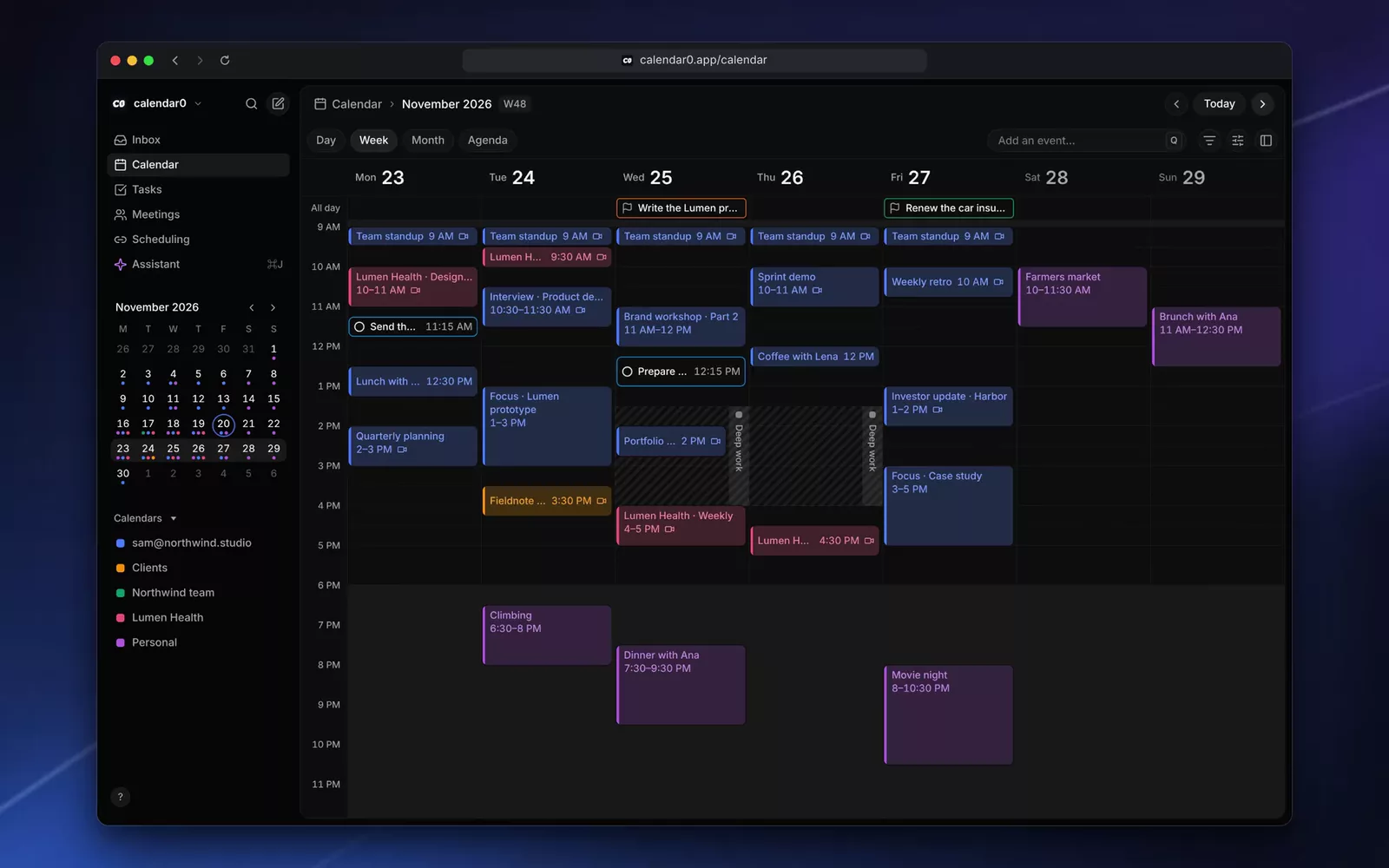
Web app
Any browser, nothing to install.
Phone app for iPhone and Android
Your calendar, tasks and meeting notes on your phone.


Pricing
Start free. Pay once if you’d rather.
No per-seat pricing and no sales calls.
Free
€0$0
3 calendar accounts, free
Quick add, booking links, the AI app connector, 3 free recordings and 100 assistant chats.
Pro
€5$5a month
€60 billed yearly, or €8 month to month$60 billed yearly, or $8 month to month
Every calendar account in one week, unlimited chats, notes on every recording, unlimited tasks and Frames.
Founding Lifetime
Recommended€49$49regular price €149$149once−67% launch price
Only for the first 50 people
Everything in Pro, paid once. 14-day money-back guarantee.
Get Founding LifetimeSee your whole week in one place in the next two minutes.
Free plan, no card needed.
FAQ
Questions before you switch
Something else on your mind? Email alessandro@calendar0.app and the person who builds it answers.
No: calendar0 connects Google Calendar, Outlook and iCloud as they are, and your events stay with them. Events you add or change in calendar0 show in their apps too.
No bot joins: calendar0 records the call from its desktop app on your Mac or Windows PC. The AI notes and next steps arrive soon after the call ends.
calendar0’s free plan works on Mac, Windows, your phone and the web: three calendar accounts, quick add, booking links, 100 open tasks and 100 assistant chats. It also includes three recordings with AI notes, made in the desktop app on Mac or Windows.
Google and Microsoft sign you in directly, so calendar0 never sees those passwords. Apple connects with an app-specific password. calendar0 encrypts the keys it holds to each account. Your events stay with your calendar provider: calendar0 reads them to show your week and run the features you use, and never sells them. You can delete a meeting’s audio any time.
calendar0 is a calendar app for Mac that shows your Google Calendar, since Google doesn’t make one. It sits in your menu bar and opens your whole week, with your Outlook and iCloud calendars beside it if you use them.
Claude can read and change your Google Calendar, Outlook and iCloud through calendar0, which you add from Claude’s connector directory, free on every plan.
calendar0 is a calendar app for Windows that puts Google Calendar, Outlook and iCloud in one week, in your system tray and in a full window. You don’t need a separate app for each account.